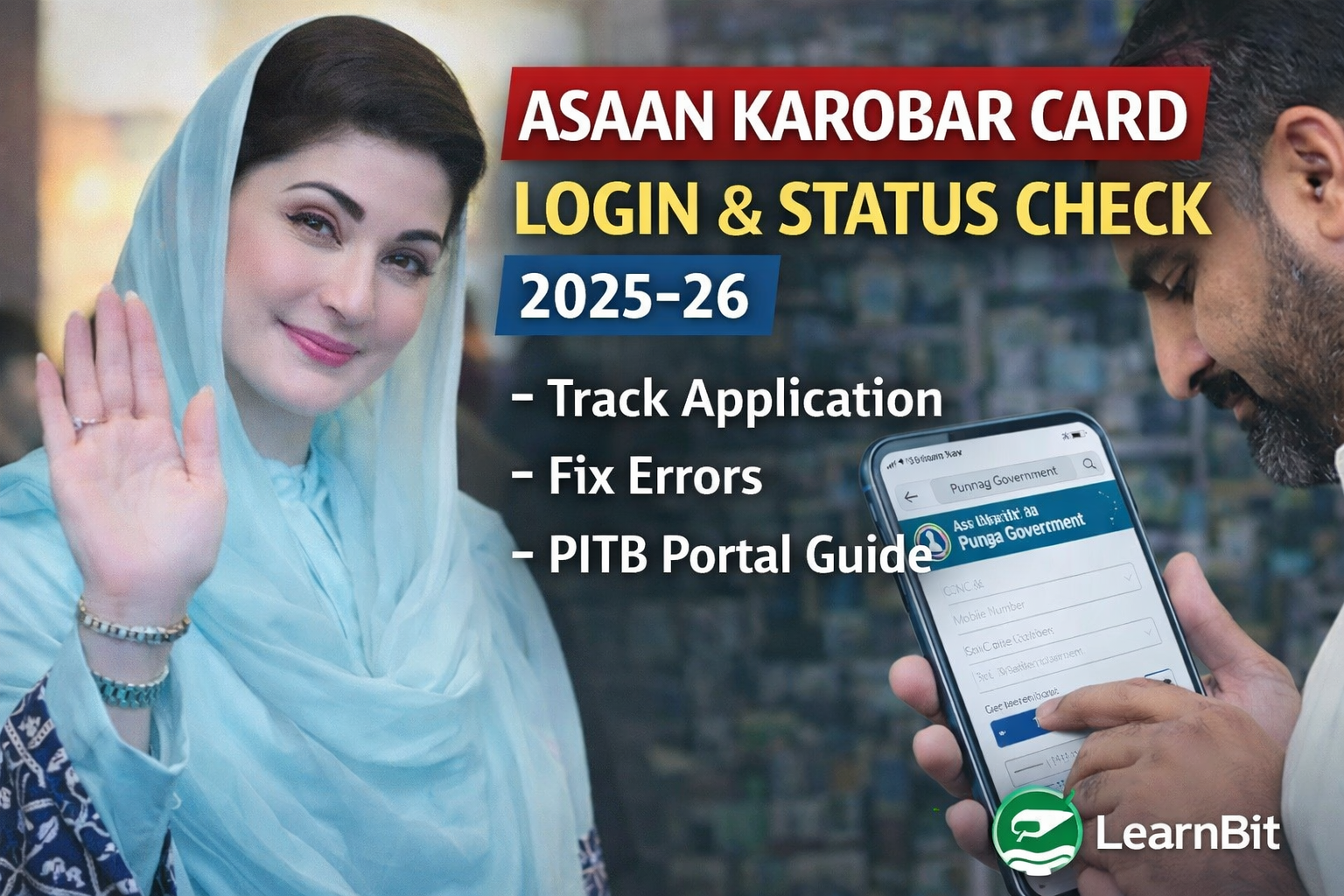
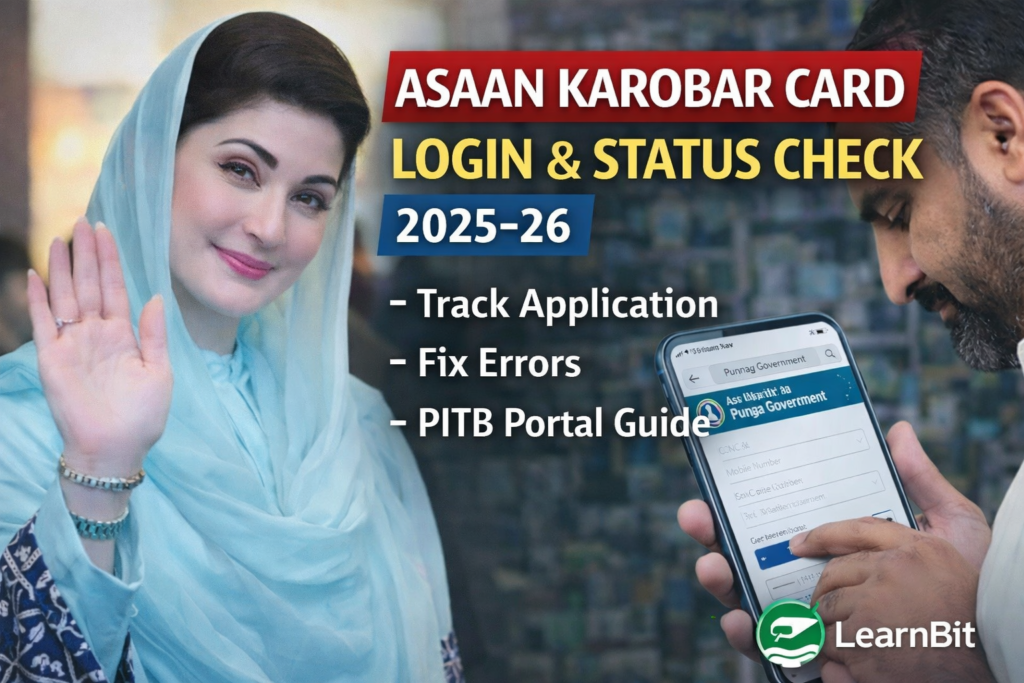
The Asaan Karobar Card Login portal is the official digital gateway for applicants who have applied under the CM Punjab Asaan Karobar Card Scheme 2025–26 and want to track their application, verify details, or resolve issues. Thousands of applicants complete the application successfully but later struggle to check their status due to lack of clear guidance.
This detailed guide explains how to log in, how to check application status, what different status messages mean, and how to fix common login or verification problems using the PITB-managed system.
What Is the Asaan Karobar Card Login Portal?
The Asaan Karobar Card Login system is an official online dashboard developed by the Punjab Information Technology Board (PITB) for managing all applications related to the CM Punjab Asaan Karobar Card.
Once you submit your application, the portal allows you to:
- Track approval or rejection status
- View verification progress
- Update limited information if required
- Receive official instructions from authorities
- Monitor card issuance and disbursement stages
This system replaces physical visits, middlemen, and unofficial agents, ensuring transparency and equal access.
Official Website for Asaan Karobar Card Login
The only authentic portal is:
Applicants should avoid third-party websites, WhatsApp agents, or paid services claiming faster approval.
For background and eligibility understanding, you can also read our internal guide:
https://learnbit.pro/blogs/cm-punjab-asaan-karobar-card-eligibility/
How to Use Asaan Karobar Card Login (Step-by-Step)
Follow these steps carefully to access your application dashboard.
Step 1: Open the Official Portal
Go to akc.punjab.gov.pk using a secure browser on mobile or desktop.
Step 2: Click on Login
Select the “Login” option on the homepage.
Step 3: Enter CNIC & Mobile Number
Use the same CNIC and mobile number you used during application submission.
Step 4: OTP Verification
An OTP will be sent to your registered mobile number. Enter it to proceed.
Step 5: Access Dashboard
Once verified, you will enter your personal dashboard where your application details and status are visible.
How to Check Asaan Karobar Card Application Status
Inside the dashboard, you will see your application status, which usually falls into one of the following categories:
Submitted
Your application has been received successfully but not yet reviewed.
Under Verification
Authorities are verifying CNIC, residence, mobile SIM, business details, and credit history.
Field Verification
In some cases, physical verification of the business location is conducted.
Approved
Your application is approved and forwarded for card issuance.
Rejected
Your application does not meet one or more eligibility or verification criteria.
Each status update appears automatically; no manual request is required.
Common Problems in Asaan Karobar Card Login
Many applicants face login issues. Below are the most common causes and solutions.
OTP Not Received
- Ensure SIM is registered on your CNIC
- Keep phone signal active
- Avoid using dual-SIM confusion
- Retry after a few minutes
CNIC Not Recognized
- Enter CNIC without dashes
- Use the same CNIC used during application
- Ensure application was actually submitted
Portal Not Opening
- Try during non-peak hours
- Clear browser cache
- Use updated Chrome or Firefox
Status Not Updating
Status updates may take 7–21 working days. Lack of instant update does not mean rejection.
Reasons Why Status Shows “Rejected”
If your application is rejected, common reasons include:
- CNIC verification mismatch
- Mobile number not registered on applicant’s CNIC
- Applicant outside Punjab
- Existing loan default history
- Business details incomplete or unrealistic
- Duplicate application submission
Understanding these reasons helps in preparing a stronger application if re-application is allowed.
Who Manages the Asaan Karobar Card Portal?
The system is managed by PITB (Punjab Information Technology Board) under the supervision of the Government of Punjab. Financial processing is handled through partner banks after digital approval.
For official announcements and technical updates, PITB references are often published through Punjab Government digital platforms.
External reference for digital governance in Punjab:
https://pitb.gov.pk
Important Tips for Applicants
- Always use your own CNIC and SIM
- Avoid agents asking for fees beyond official charges
- Do not submit multiple applications
- Check portal regularly instead of relying on SMS
- Keep documents ready for verification
Following these practices significantly improves approval chances and avoids unnecessary delays.
Frequently Asked Questions
Can I check Asaan Karobar Card status without login?
No. Login is mandatory for privacy and security reasons.
How long does verification take?
Usually 1–3 weeks depending on application volume.
Can I edit application after submission?
Only if the system requests correction. Otherwise, editing is locked.
Is there any helpline for login issues?
Yes. Official Punjab helpline 1786 can guide you.
Final Thoughts
The Asaan Karobar Card Login portal is a crucial part of Punjab’s digital transformation for business support. Knowing how to properly access and interpret your application status can save time, reduce stress, and protect you from misinformation.
This guide is designed to be more detailed, accurate, and practical than most online resources, ensuring applicants understand the process clearly and confidently.