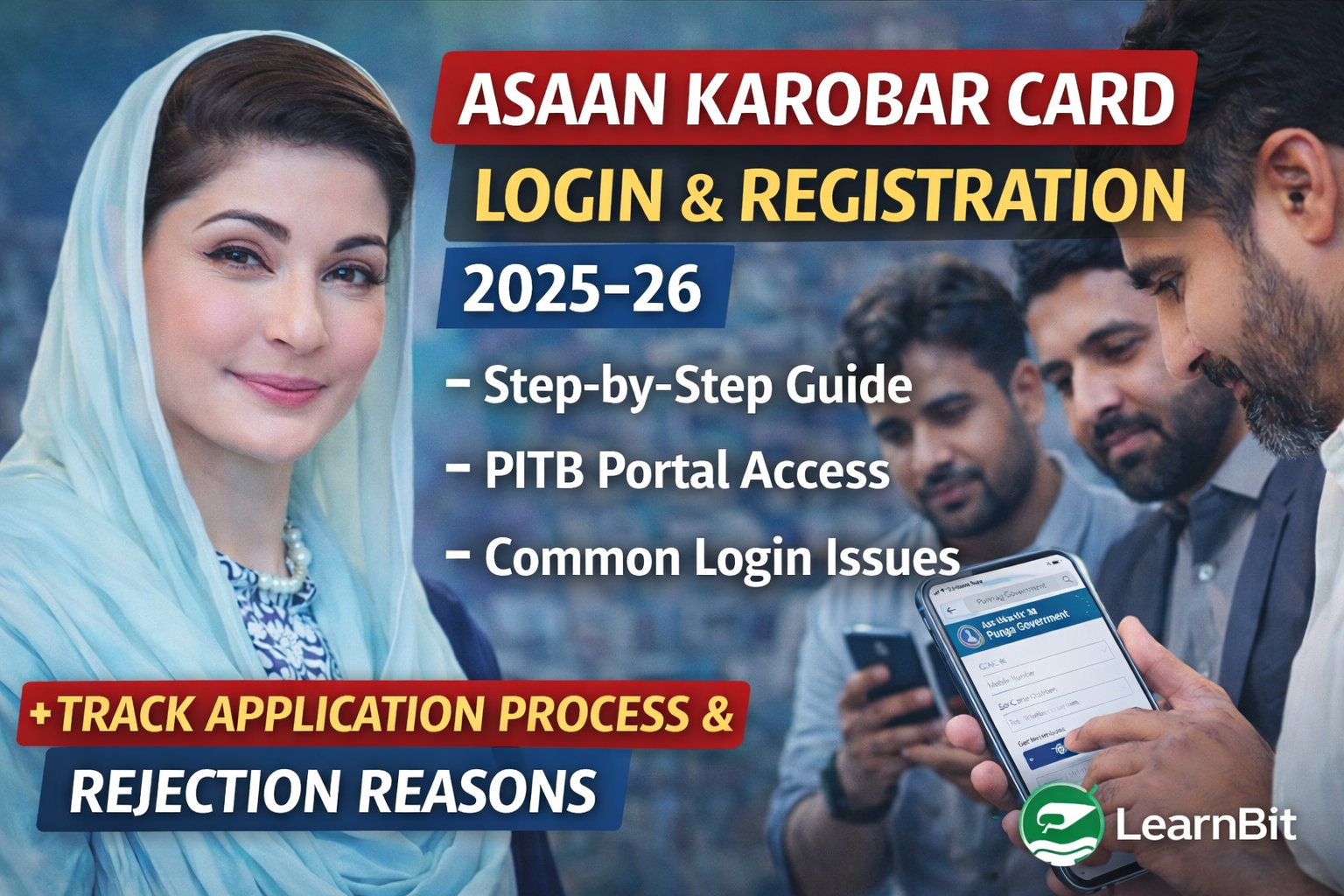
Asaan Karobar Card Login: The Punjab Government’s Asaan Karobar Card scheme has emerged as one of the most important financial support programs for small businesses in Punjab. Thousands of applicants search daily for reliable information about Asaan Karobar Card login and registration, yet many struggle due to unclear instructions, portal errors, or misinformation spread on social media.
This detailed guide explains the complete login and registration process, how the PITB portal works, common mistakes applicants make, and how to avoid delays in 2025–26. Whether you are a first-time applicant or someone who has already applied, this article will help you navigate the system confidently.
Understanding the Asaan Karobar Card Online System
The Asaan Karobar Card is a digitally managed loan facility introduced by the Punjab Government under the supervision of the Punjab Information Technology Board (PITB). Unlike traditional loan programs, this scheme does not rely on agents or physical paperwork at the initial stage.
All applicants must use the official online portal to:
- Register their profile
- Submit an application
- Login to their account
- Track progress and updates
- Receive official instructions
This digital approach ensures transparency, reduces corruption, and allows equal access for eligible citizens across Punjab.
Who Needs to Use the Asaan Karobar Card Login Portal
The login portal is essential for anyone who:
- Wants to apply for the Asaan Karobar Card
- Has already submitted an application
- Needs to update or review personal details
- Wants to check messages or instructions from authorities
Without logging into the portal, it is not possible to complete or manage the application process.
Official Portal for Asaan Karobar Card Login and Registration
Applicants must always use the official government website managed by PITB:
Using unofficial links, WhatsApp agents, or third-party websites can lead to data theft, application rejection, or financial fraud.
How to Register for Asaan Karobar Card (First-Time Applicants)
If you are applying for the first time, registration is mandatory before login.
Step 1: Access the Official Website
Open the official Asaan Karobar Card portal using a secure internet connection.
Step 2: Choose Registration Option
Click on the registration option for new applicants.
Step 3: Enter CNIC Information
Provide your valid CNIC number. The CNIC must belong to a permanent resident of Punjab.
Step 4: Mobile Number Verification
Enter a mobile number that is registered on your CNIC. This is extremely important because all verification codes are sent to this number.
Step 5: OTP Confirmation
You will receive a one-time password (OTP). Enter it to confirm your identity.
Step 6: Profile Creation
After verification, you will be asked to create your profile by entering basic personal and business information.
Once these steps are completed, your registration will be successful.
How to Login to Asaan Karobar Card Account
For applicants who have already registered, logging in is simple.
First, visit the official portal.
Click on the login option.
Enter your CNIC number.
Verify using the OTP sent to your registered mobile number.
After successful verification, you will be redirected to your dashboard, where you can view your application details and messages.
What You Can See After Login
Once logged in, your dashboard may display:
- Application submission date
- Current processing stage
- Verification messages
- Approval or rejection notifications
- Instructions for next steps
Applicants are advised to check their dashboard regularly to stay updated.
Common Login Problems and Their Solutions
Many applicants face login issues, especially during peak application periods. Below is a table explaining common problems and solutions.
| Problem | Reason | Solution |
|---|---|---|
| OTP not received | SIM not registered on CNIC | Use correct SIM |
| CNIC not found | Incorrect entry | Re-enter CNIC carefully |
| Portal not opening | High traffic | Try again later |
| Session expired | Inactivity | Refresh and login again |
Most issues are temporary and do not require visiting any office.
Important Registration Rules Applicants Often Miss
Many applications face delays because applicants ignore basic rules, such as:
- Using a mobile number not registered on CNIC
- Submitting incomplete business details
- Registering multiple times with the same CNIC
- Sharing OTP with others
Following instructions carefully during registration reduces the risk of rejection.
Is There Any Fee for Login or Registration
Registration and login on the Asaan Karobar Card portal are free of cost.
However, during the application process, a non-refundable processing fee may be charged as per official policy. Applicants should only make payments through officially provided channels.
Security and Privacy of Applicant Data
The PITB portal uses government-approved security measures, including:
- CNIC-based authentication
- OTP verification
- Encrypted data handling
- Restricted access
Applicants should never share their CNIC, OTP, or login details with agents or unknown individuals.
Relationship with Other Asaan Karobar Card Pages
To understand the full scheme, applicants should also review related guides, such as:
Internal reference:
https://learnbit.pro/blogs/cm-punjab-asaan-karobar-card/
This helps applicants understand loan limits, benefits, and usage rules alongside login procedures.
Final Thoughts
The Asaan Karobar Card login and registration system is the foundation of Punjab’s digital business financing initiative. Applicants who understand how to register correctly, login securely, and follow official instructions have a much higher chance of completing their application smoothly.
Avoid shortcuts, ignore unofficial sources, and rely only on government-verified information. With careful attention, the Asaan Karobar Card can become a powerful tool for business growth in Punjab during 2025–26.